Image Size Guide
Last updated: November 6, 2026
This guide explains the recommended image dimensions, aspect ratios, and file formats for each area of the platform to help you choose images that display correctly and look their best.
1. Logos
Company Logo
Recommended dimensions: 1080 × 1080 pixels
Aspect ratio: Square (1:1)
Supported formats: JPEG, PNG, GIF
Using a square image at the recommended dimensions will help ensure your company logo displays clearly across the platform.
Logo | Dimensions | Context |
Company Logo | 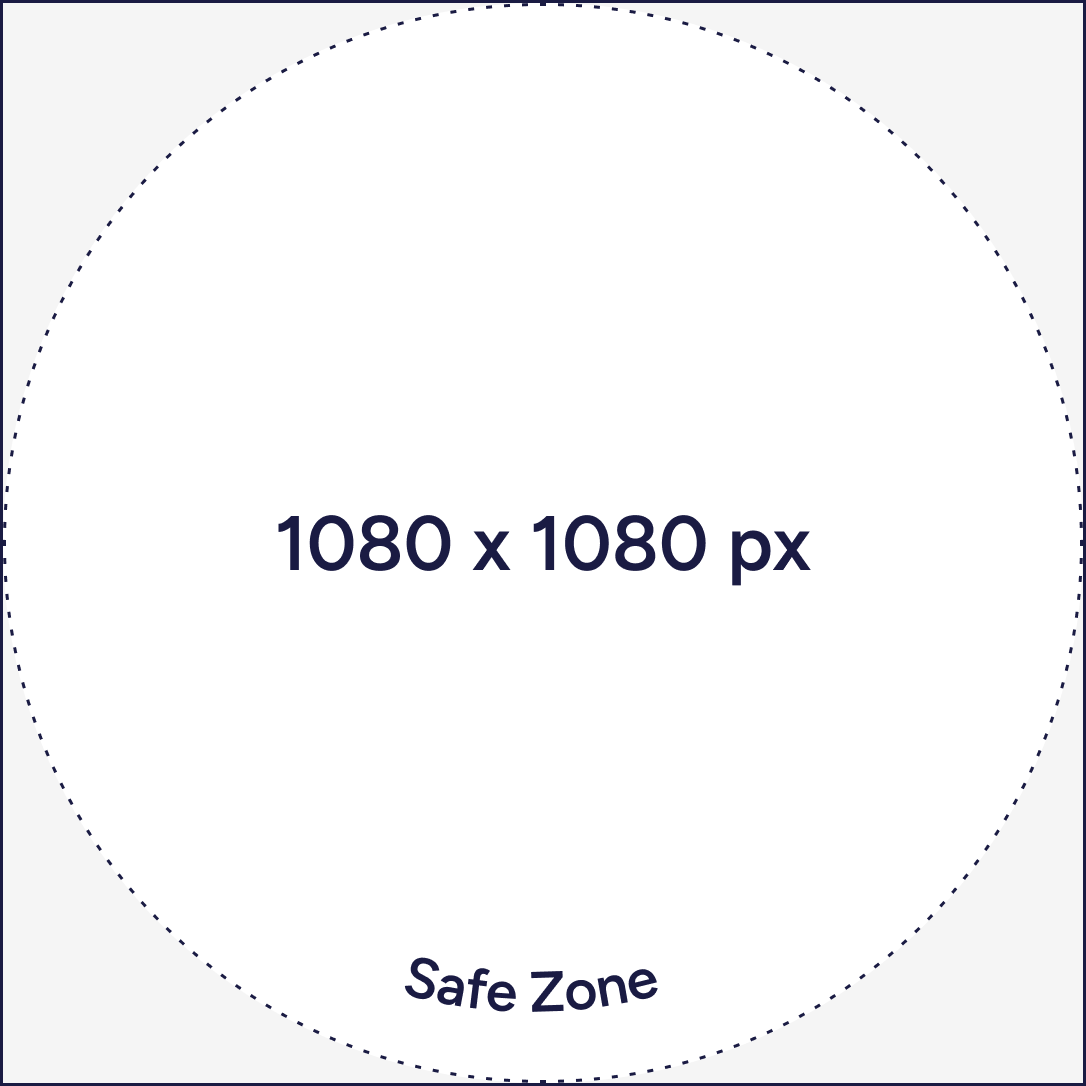 | 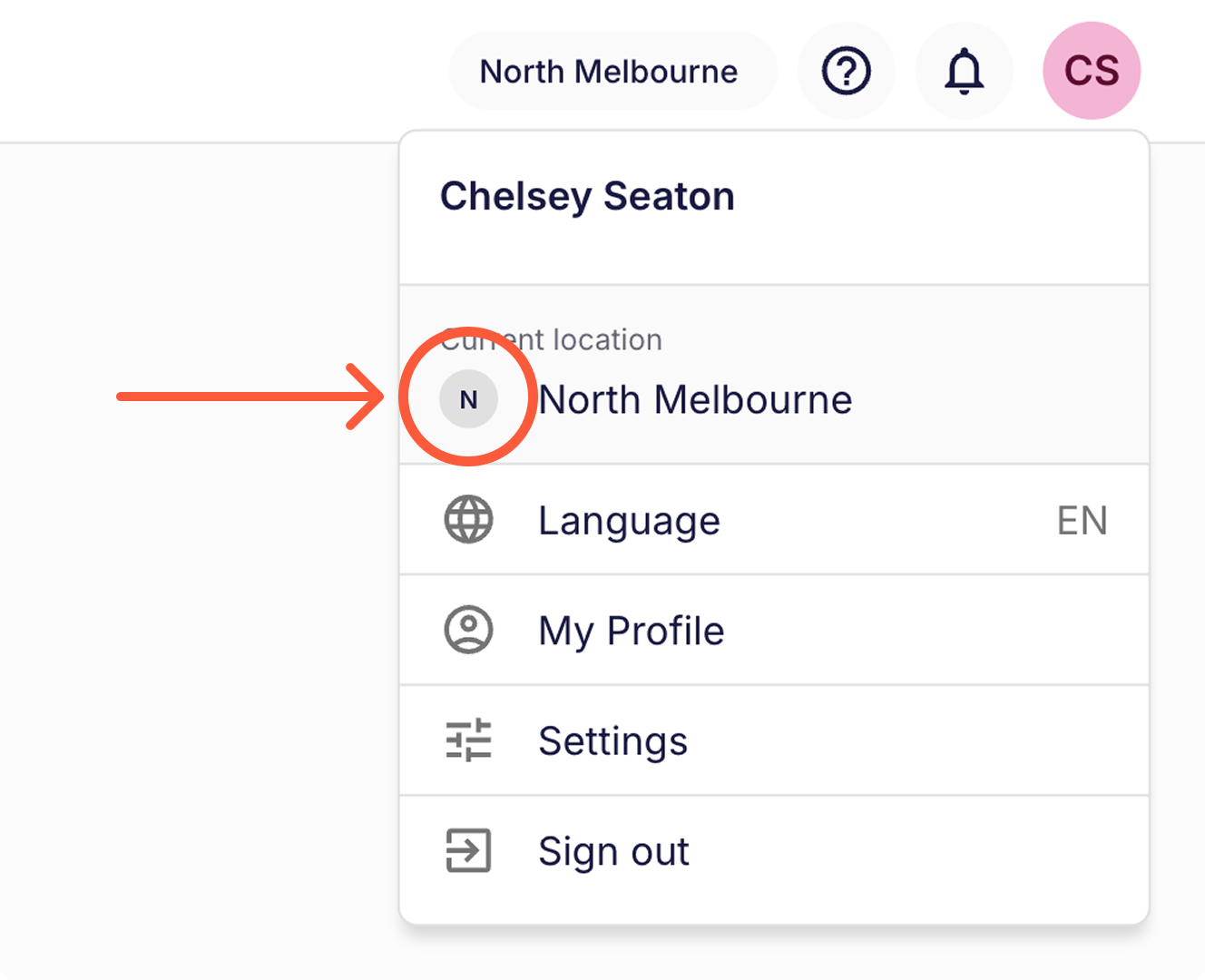 |
Application Icon
Recommended aspect ratio: Square (1:1) or Rectangle (2:1)
Supported formats: JPEG, PNG, GIF
Orientation: You can toggle on Landscape, depending on your logo design.
Choose the orientation that best suits your logo to ensure it displays correctly within the application.
Logo | Dimensions | Context |
Application Icon | 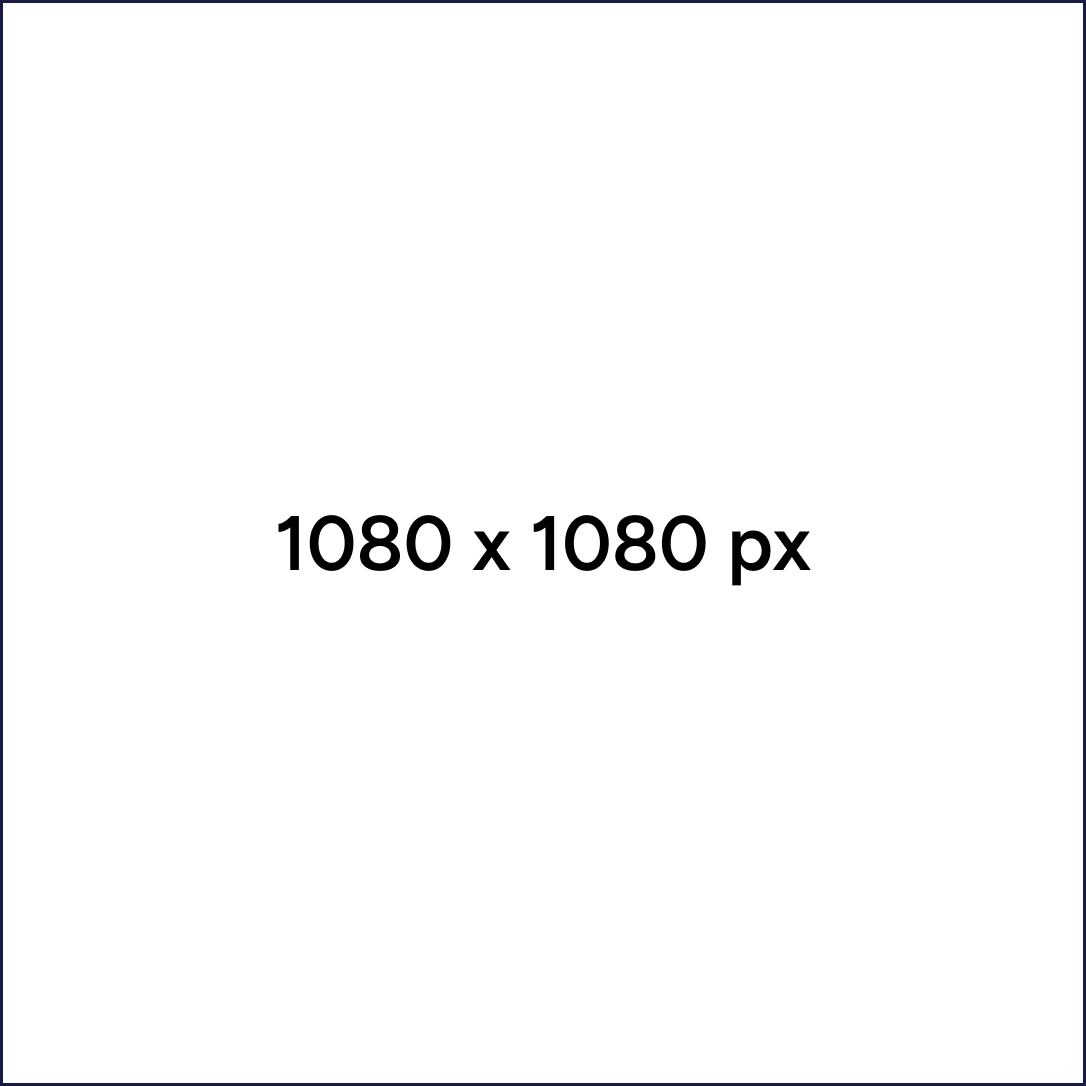 | 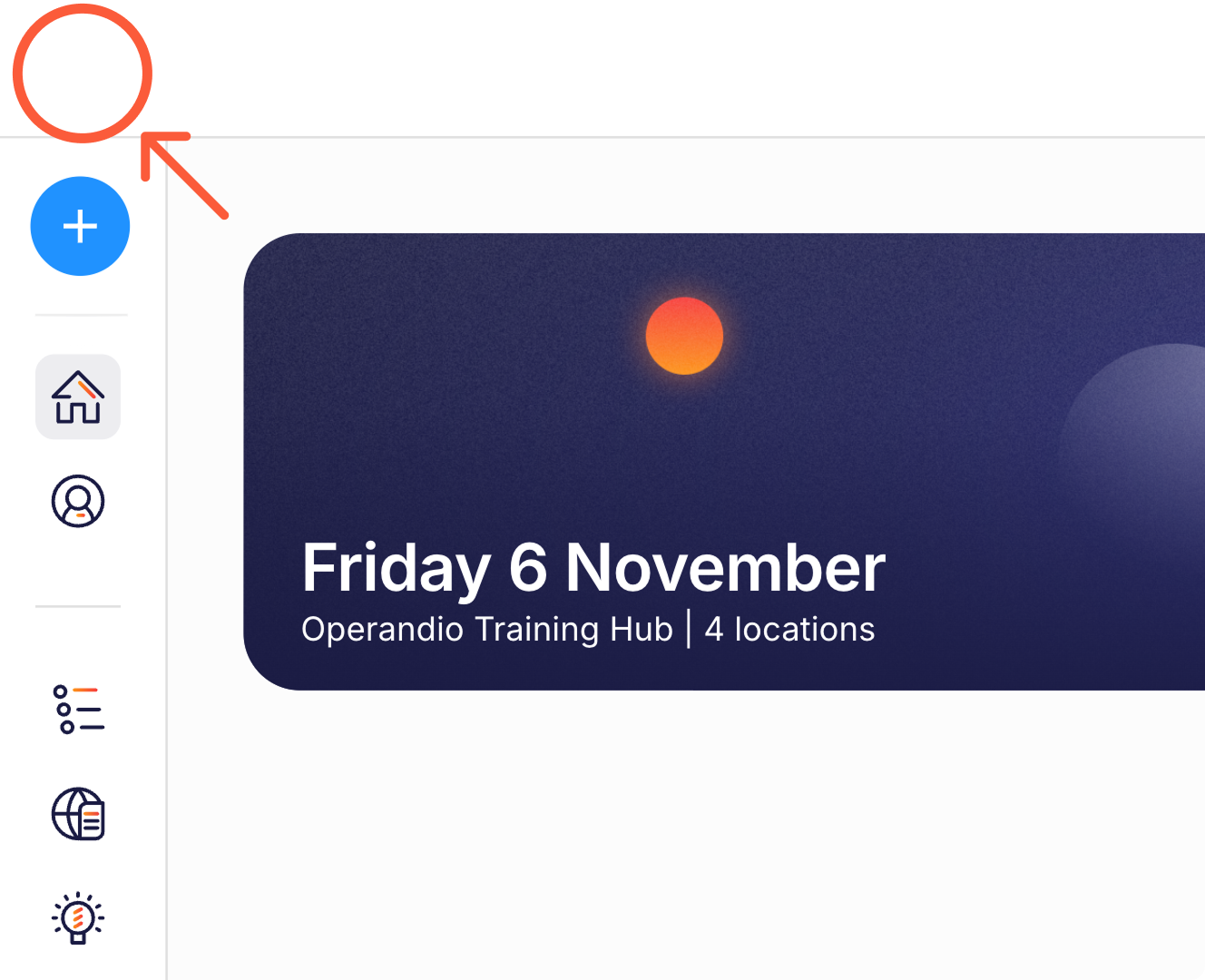 |
Favicon
Recommended dimensions: 96 × 96 pixels
Aspect ratio: Square (1:1)
Recommended format: PNG
Supported formats: JPEG, PNG, GIF
A square image is recommended to ensure your favicon displays clearly at small sizes across supported browsers and devices.
Logo | Dimensions | Context |
Favicon |  | 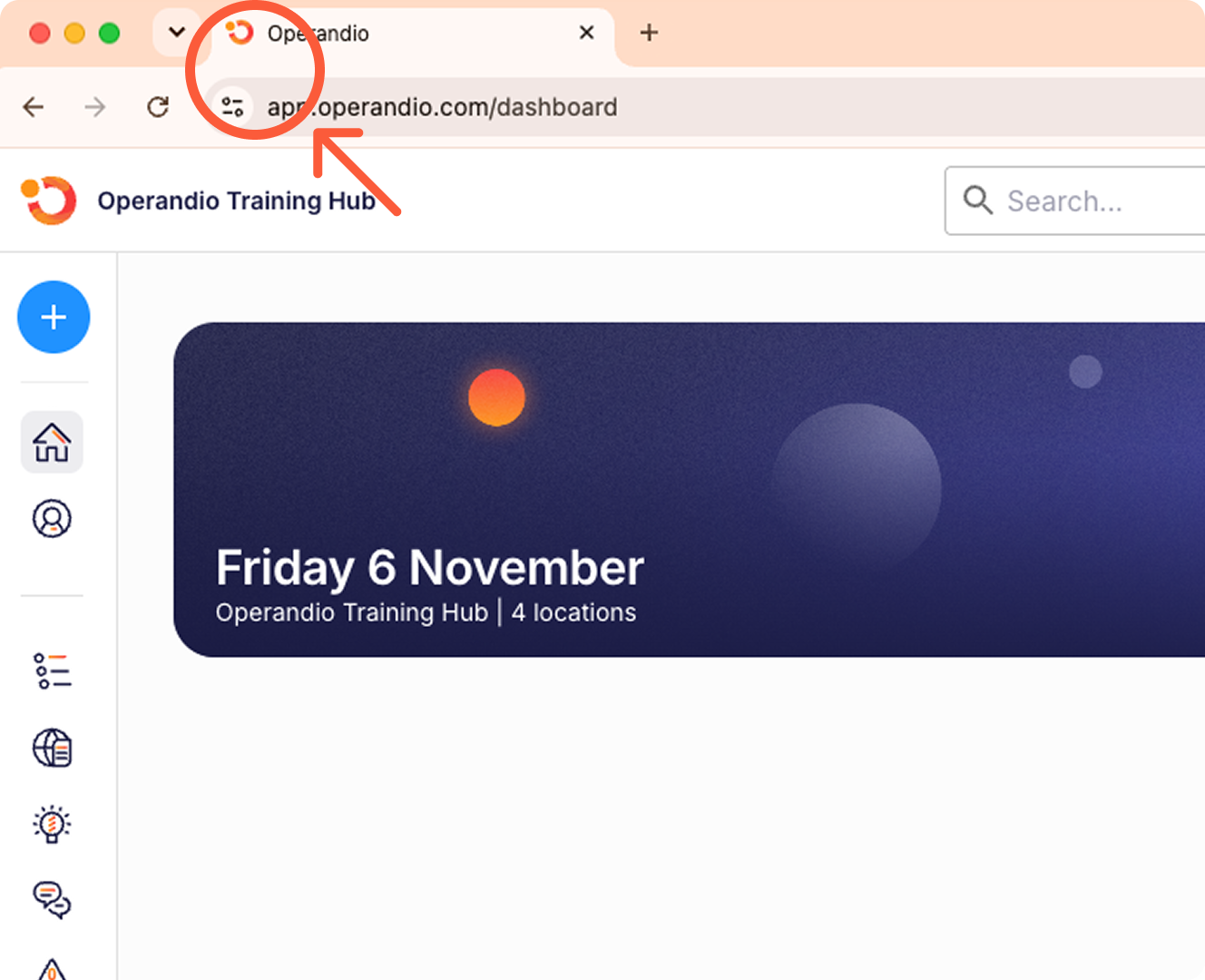 |
2. Global Dashboard Banner
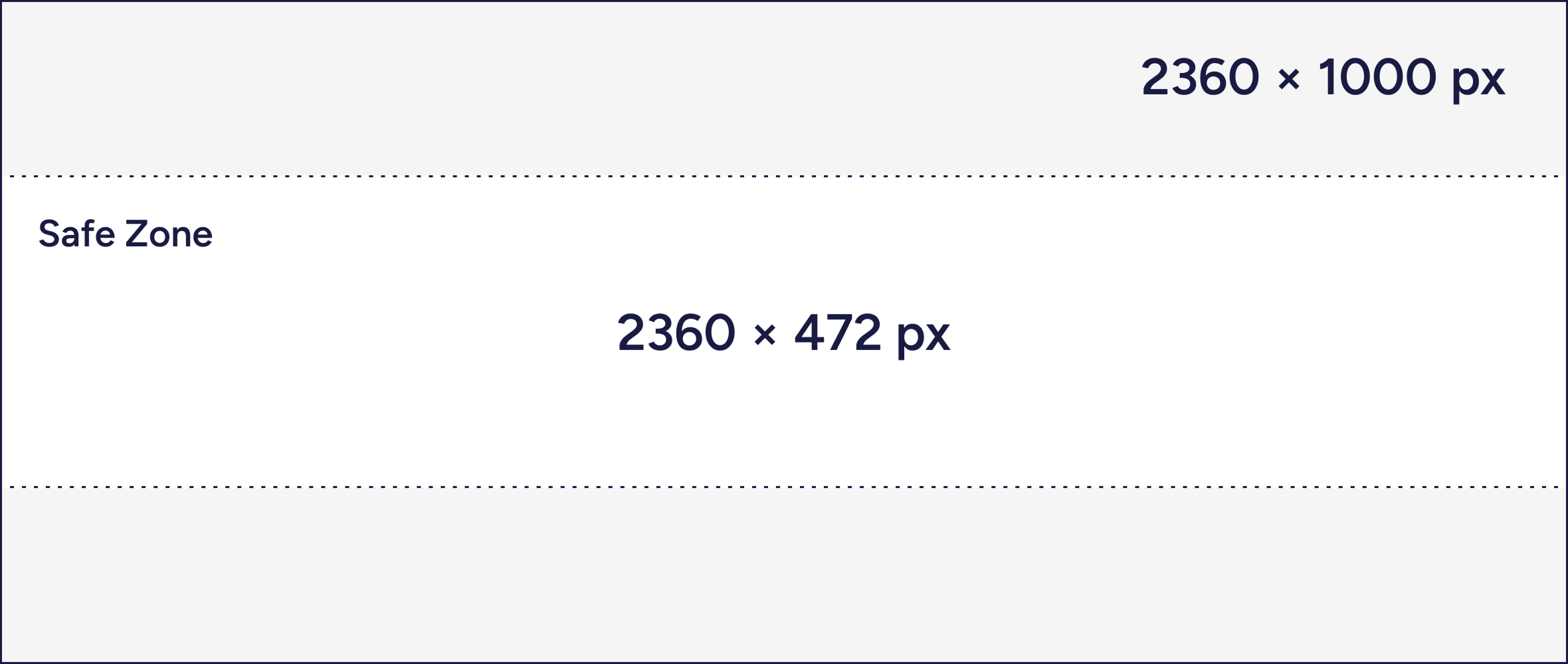
The global dashboard banner appears at the top of the dashboard and should be sized correctly to ensure it displays clearly and proportionally.
Recommended dimensions: 2360 × 472 pixels
Aspect ratio: 5:1
Images that match these dimensions will provide the best viewing experience without distortion. If your image is too tall for the available space, you can reposition it by editing the banner and dragging the image to adjust the crop.
3. Campaign Images
Campaign images are used within campaigns and are displayed on kiosk devices.
Recommended dimensions: 1200 × 400 pixels
Aspect ratio: 3:1
Supported formats: JPEG, PNG, GIF
Using these dimensions will help ensure your campaign images display correctly across all supported devices.
4. Training Header Images
Header images are used for:
Courses
Modules
Observations
Recommended dimensions: 1600 × 1055 pixels, or a similar aspect ratio.
Using images close to these dimensions will help ensure headers display clearly without unnecessary stretching or cropping.
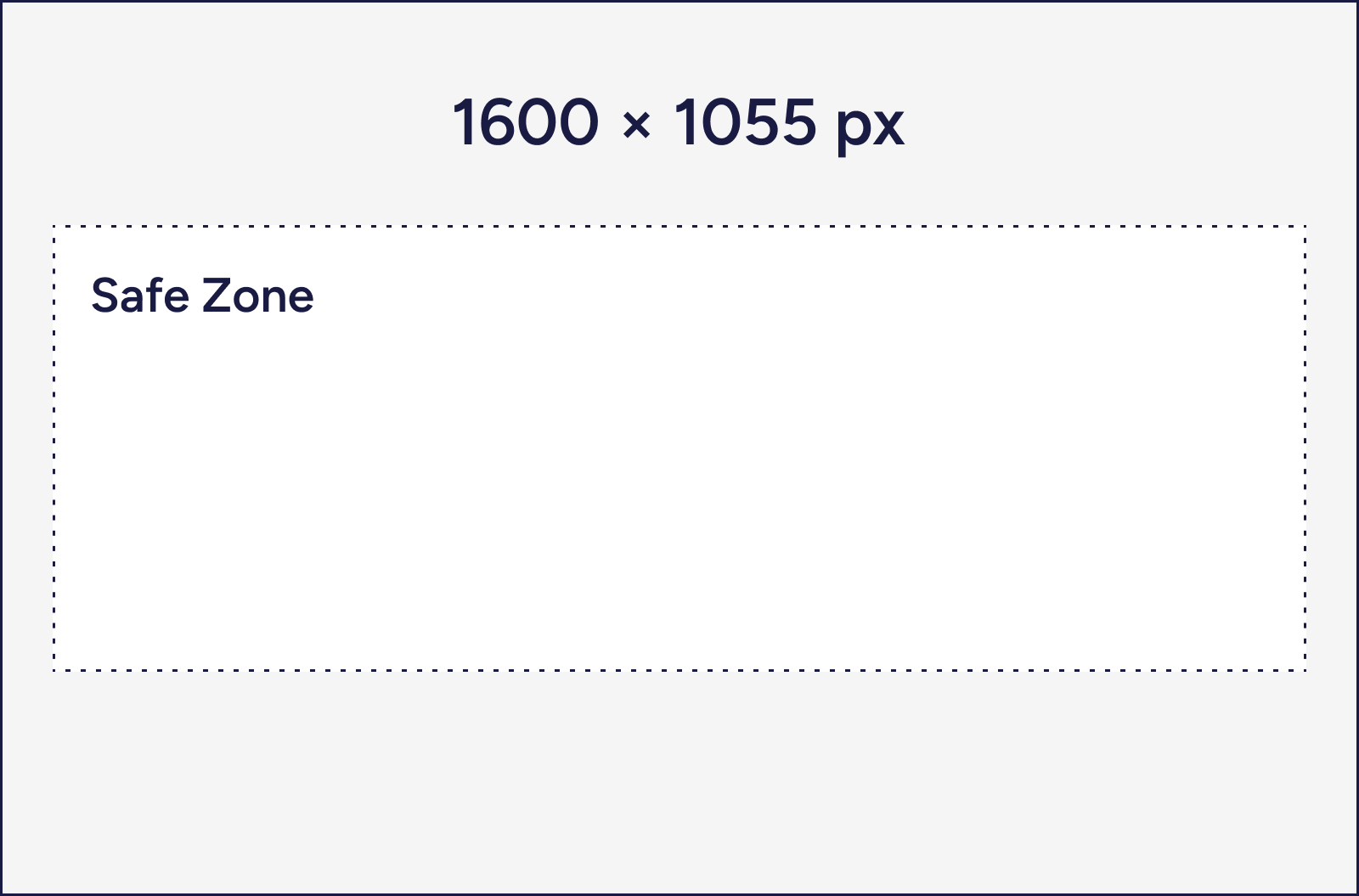
Please note: The course menu tile and the course banner crop this image differently. Keep your key content within the safe zone above so nothing gets cut off in either view.
Quick Reference
Image type | Recommended dimensions | Aspect ratio | Supported formats |
|---|---|---|---|
Company logo | 1080 × 1080 px | 1:1 | JPEG, PNG, GIF |
Application icon | Square; landscape option available | 1:1 or landscape | JPEG, PNG, GIF |
Favicon | 96 × 96 px | 1:1 | JPEG, PNG (PNG recommended) |
Global dashboard banner | 2360 × 472 px | 5:1 | JPEG or PNG |
Campaign images | 1200 × 400 px | 3:1 | JPEG, PNG, GIF |
Tip: For the best results, use the recommended dimensions and aspect ratios wherever possible. For banners and header images, check the final crop to ensure important content, text, and branding remain visible.